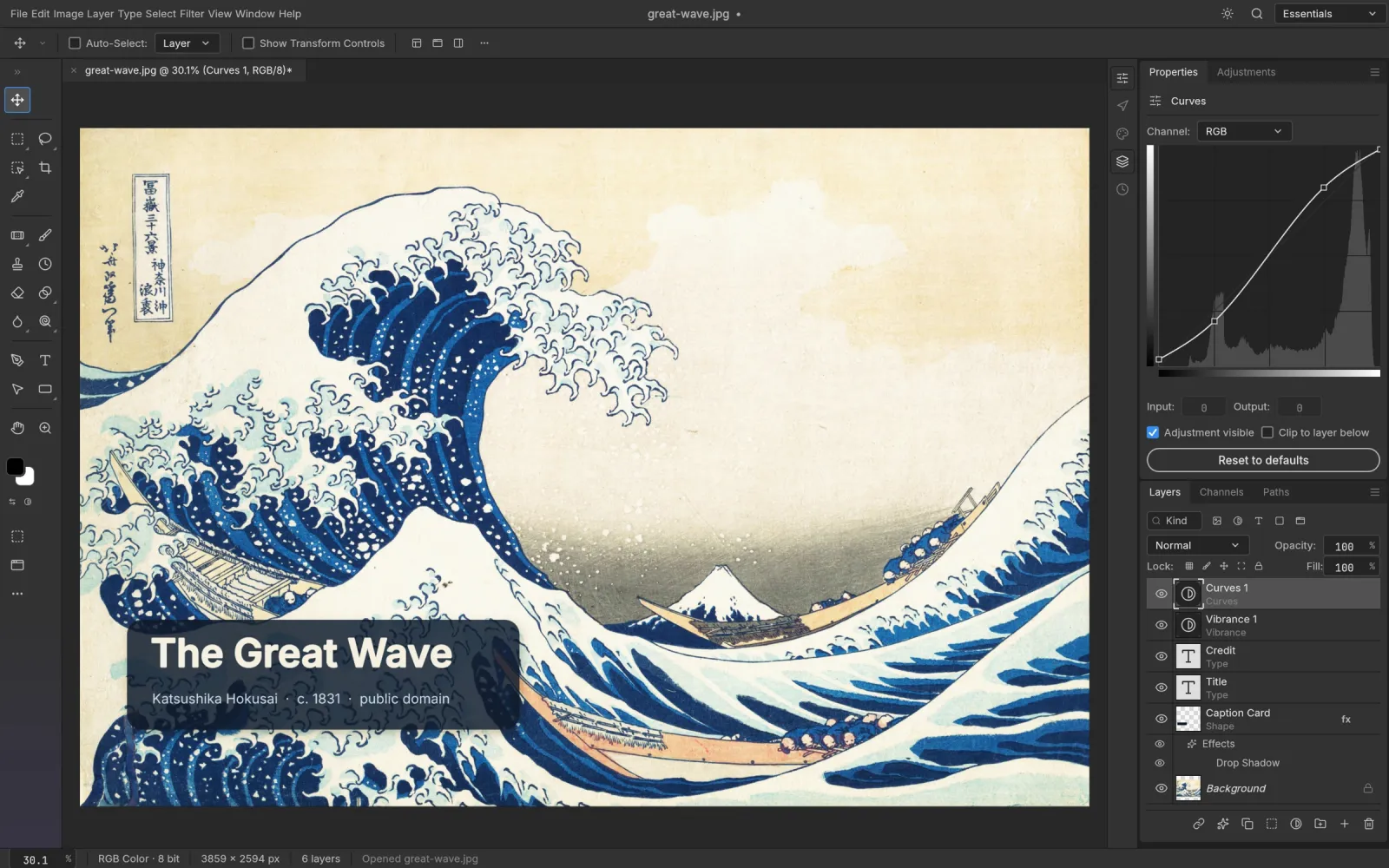
Downloads about 10 MB the first time, then loads from your browser cache. Desktop browser with WebGPU or WebGL2 recommended.
Open full screenHow to use PhotoCraft online
- Start the editor. Press Launch the editor above, or open it full screen. The first load downloads the app; later visits start from cache.
- Open an image. Use File > Open. Your browser's file picker reads the image (PSD, PNG, JPEG and the other supported formats) straight into the tab.
- Edit. Layers, masks, selections, adjustment layers and filters work as they do in the desktop app.
- Save or export. File > Save or Export downloads the result through your browser. There is no autosave on the web, so save before you close or reload the tab.
Where your images go
- Nowhere. The editor and every filter run on your device, inside the browser tab.
- Opening a file reads it locally; saving and exporting are ordinary browser downloads. This site has no upload endpoint and stores no documents.
- Preferences are kept in your browser's localStorage. Clearing site data resets them.
Browser requirements
PhotoCraft draws with WebGPU when the browser has it and falls back to WebGL2 on its own. Current Chrome, Edge, Firefox and Safari on a desktop or laptop all work. If the canvas stays blank or glitches, these flags help:
- ?webgl forces the WebGL2 renderer, useful when a WebGPU driver misbehaves.
- ?cpu forces the CPU canvas path: slowest, most compatible.
- A browser with neither WebGPU nor WebGL2 gets a message instead of the editor.
Online vs desktop
The web build is the same program as the desktop app. A browser tab sets a few limits:
| Feature | Online | Desktop |
|---|---|---|
| Install | None, open the page | Installer or portable build |
| Fonts | Inter and JetBrains Mono only | Your installed fonts |
| Open and save | Browser file picker and downloads | Native file dialogs |
| Autosave and crash recovery | No | Yes |
| CLI and MCP for AI agents | No | Yes |
For daily work on big files, the desktop app is the better fit. Download the desktop app →
Frequently asked questions
Is PhotoCraft online free?
Yes. PhotoCraft is free and open source (Apache-2.0 / MIT). The online editor needs no account and has nothing to pay for.
Are my photos uploaded to a server?
No. The editor runs inside your browser tab. Opening a file reads it locally and saving downloads it; this site has no server-side storage for documents.
Is this the official PhotoCraft online editor?
No. PhotoCraft Guide is an independent site. It hosts the unmodified web build from the official GitHub release. The developers ship that build for people to host themselves and do not run a hosted editor.
Does PhotoCraft online work on a phone or tablet?
It may start on a recent phone or tablet with WebGPU or WebGL2, but the interface is built for a mouse, keyboard and a large screen. There are no mobile apps.
Why does it take a while to load?
The whole editor is one WebAssembly file, about 10 MB over the network. The first visit downloads it; after that your browser cache starts it quickly. If it stalls, reload, or add ?webgl to the address.
How is PhotoCraft online different from Photopea?
Both are Photoshop-style editors that run in the browser and open PSD files. PhotoCraft is open source with the code on GitHub and also ships as a desktop app; Photopea is a closed-source web app.